Say goodbye to professional network tweaking. Experience Muses OS — you enjoy the music, Muses OS handles the rest.Say goodbye to professional network tweaking. Experience Muses OS — you enjoy the music, Muses OS handles the rest.
MUSES OS · DIGITAL AUDIO OPERATING SYSTEM
For digital sources, bring back the analog soul.
From local music and streaming to CD and wireless casting — one system, one way of operating. Once Muses OS is deployed, you can simply enjoy the music.
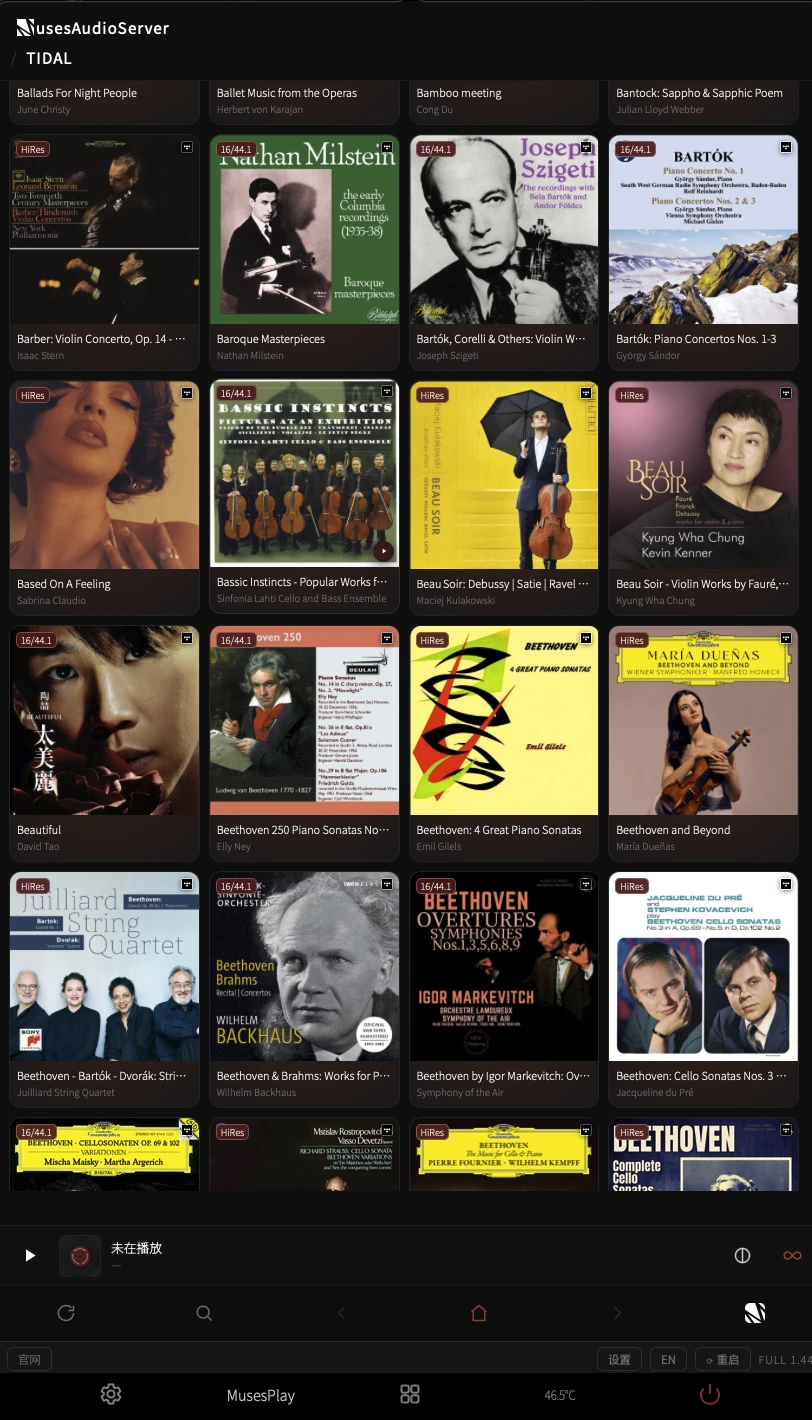
One control panel keeps every playback method on the same operating logic.TIDAL · Streaming library
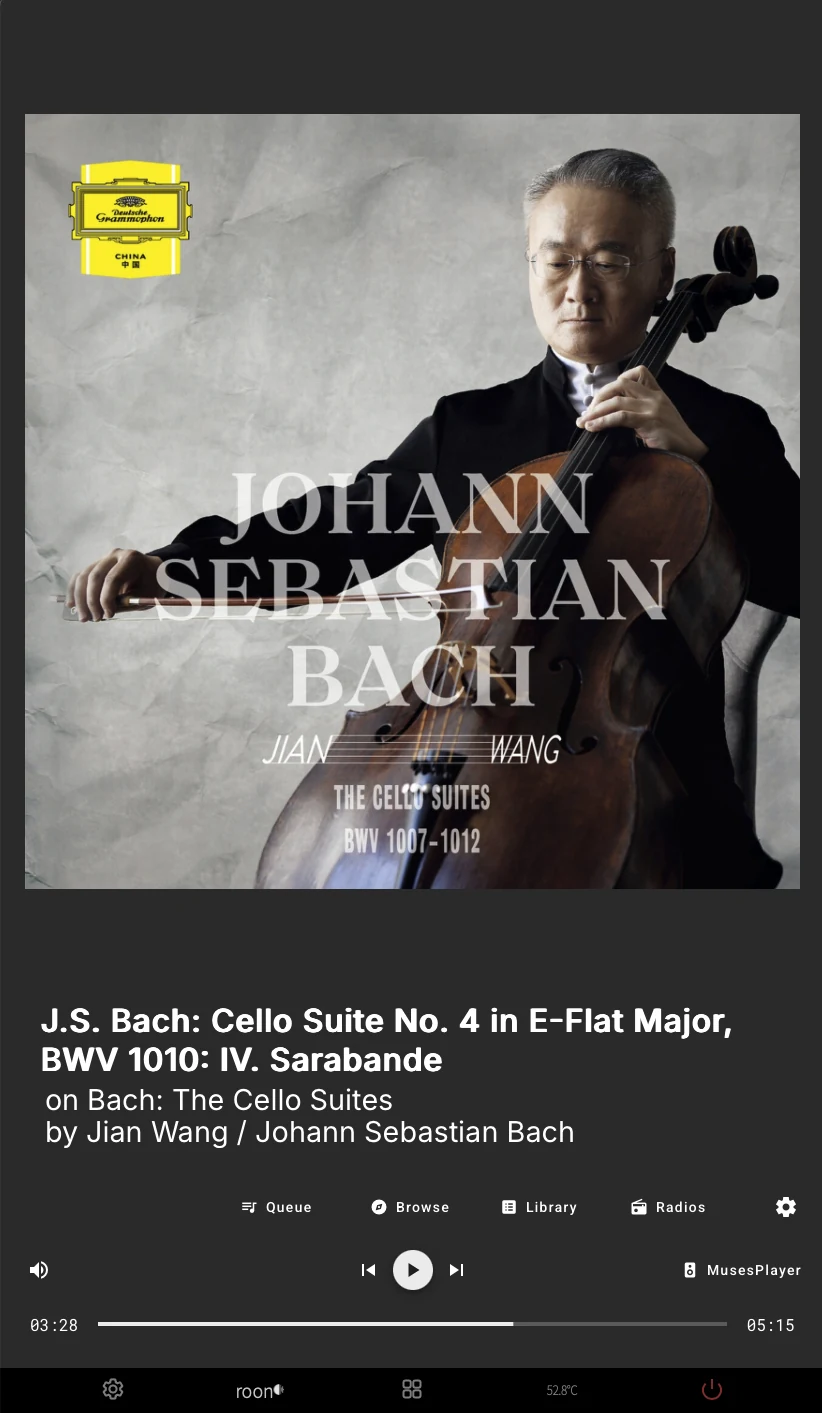
Four operating modesMusesPlay / Roon / CD / MusesVideo
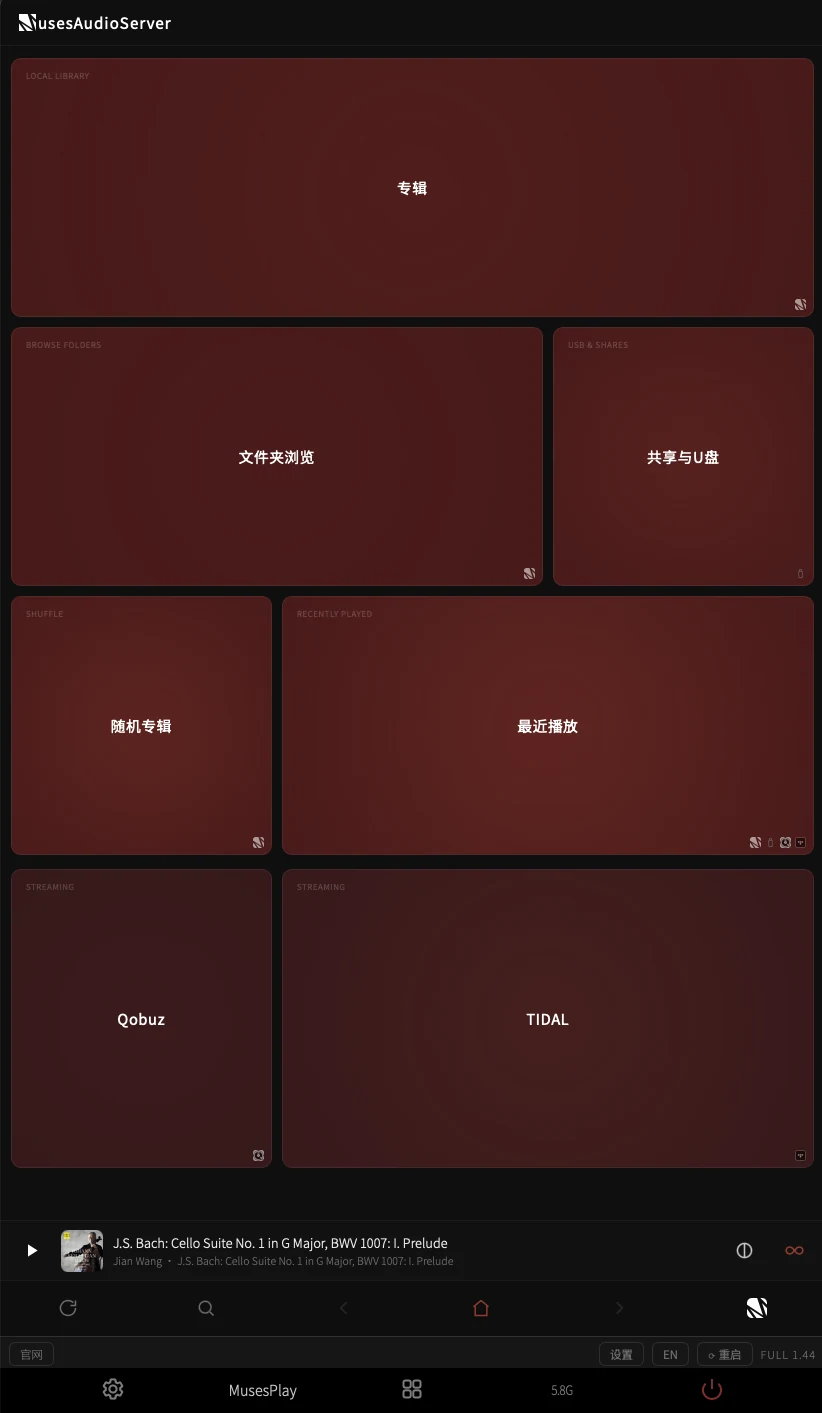
Many music sourcesLocal library, USB drives, Qobuz, TIDAL, CD
Two-way wirelessAirPlay, SoundCast, Bluetooth playback & receiving
No Linux requiredControl from computer, phone, or tablet
Muses OS ships with MusesAudio's own high-quality MusesRender audio output — and the final result is excellent. The installation service includes a 50-hour free trial.
NETWORK WITHOUT THE RITUAL
The network only needs to deliver the bits. Great sound no longer has to follow the network.
Muses OS completely shields your sound from network peripherals — audiophile switches, Hi-Fi Ethernet cables, and optical isolation are no longer prerequisites for great sound.
Audiophiles can hear it — but shouldn't have to fiddle with it.
Audiophile network switches, Hi-Fi Ethernet cables, and optical isolation do work — many audiophiles heard the difference long ago. But why should a digital transport or PC hi-fi rig depend on so many network peripherals just to play music in peace?
To keep the system happy, you end up studying network settings, buying expensive cables and network gear, experimenting with optical isolation, even stacking multiple computers. More devices, more complexity — and relaxed listening becomes a luxury.
That fiddling is exactly what Muses OS ends.
It finishes the complex network optimization in the background, removing peripherals from the sound-quality chain. Switches can change, cables can change, optical isolation can be added or removed — the sound stays the same.
You no longer need to learn professional network tweaking, rely on expensive Hi-Fi cables, audiophile switches, or optical isolation — let alone keep multiple computers just for good sound.
Leave the network to Muses OS; keep the music for yourself.
Optimization runs in the background. Simplicity stays in front of you.
Network connections, file management, firmware updates, and system status alerts are all taken care of. You don't need to be a computer expert, let alone a network specialist — just power on, find the music, and press play.
Spend less effort maintaining, less worry on network peripherals, and more time on music. No more network-pollution struggles, no more "digital glare" — just natural, relaxed, lasting sound.
Click through it yourself before deciding how to use it.
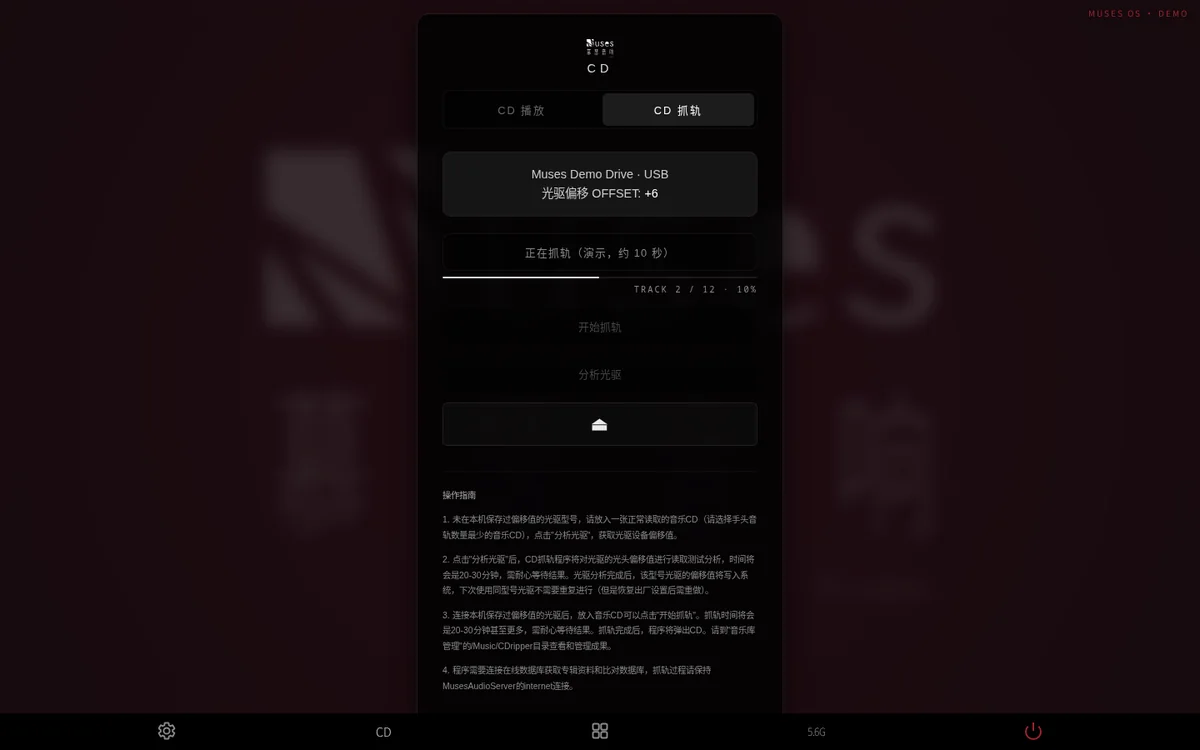
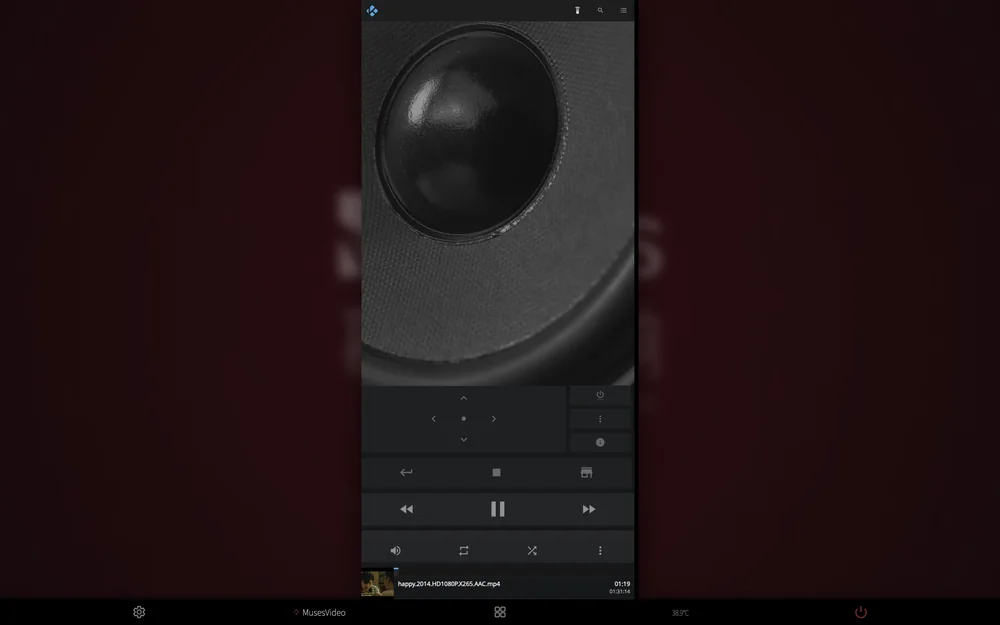
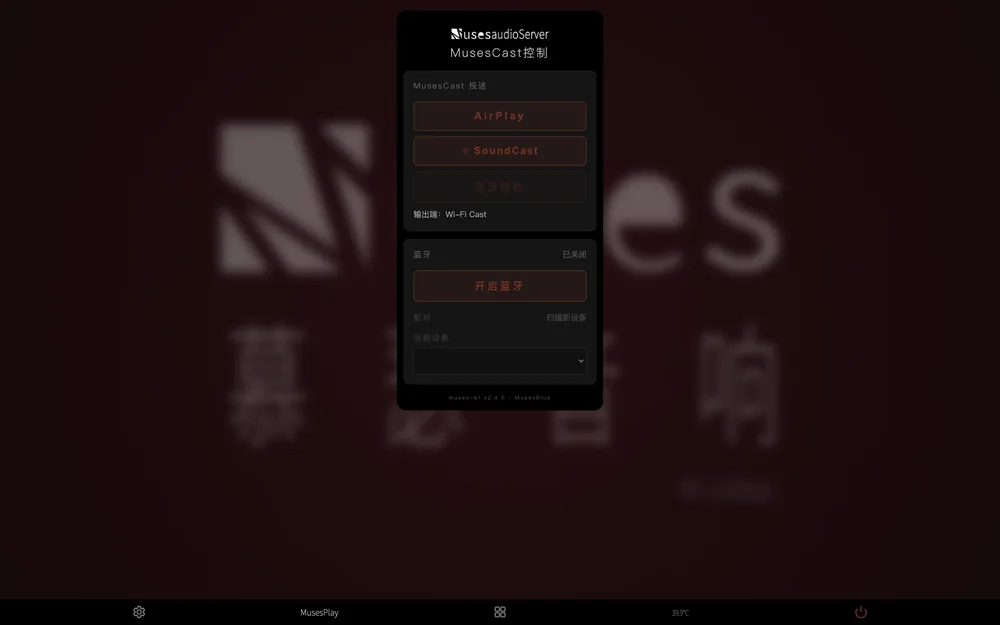
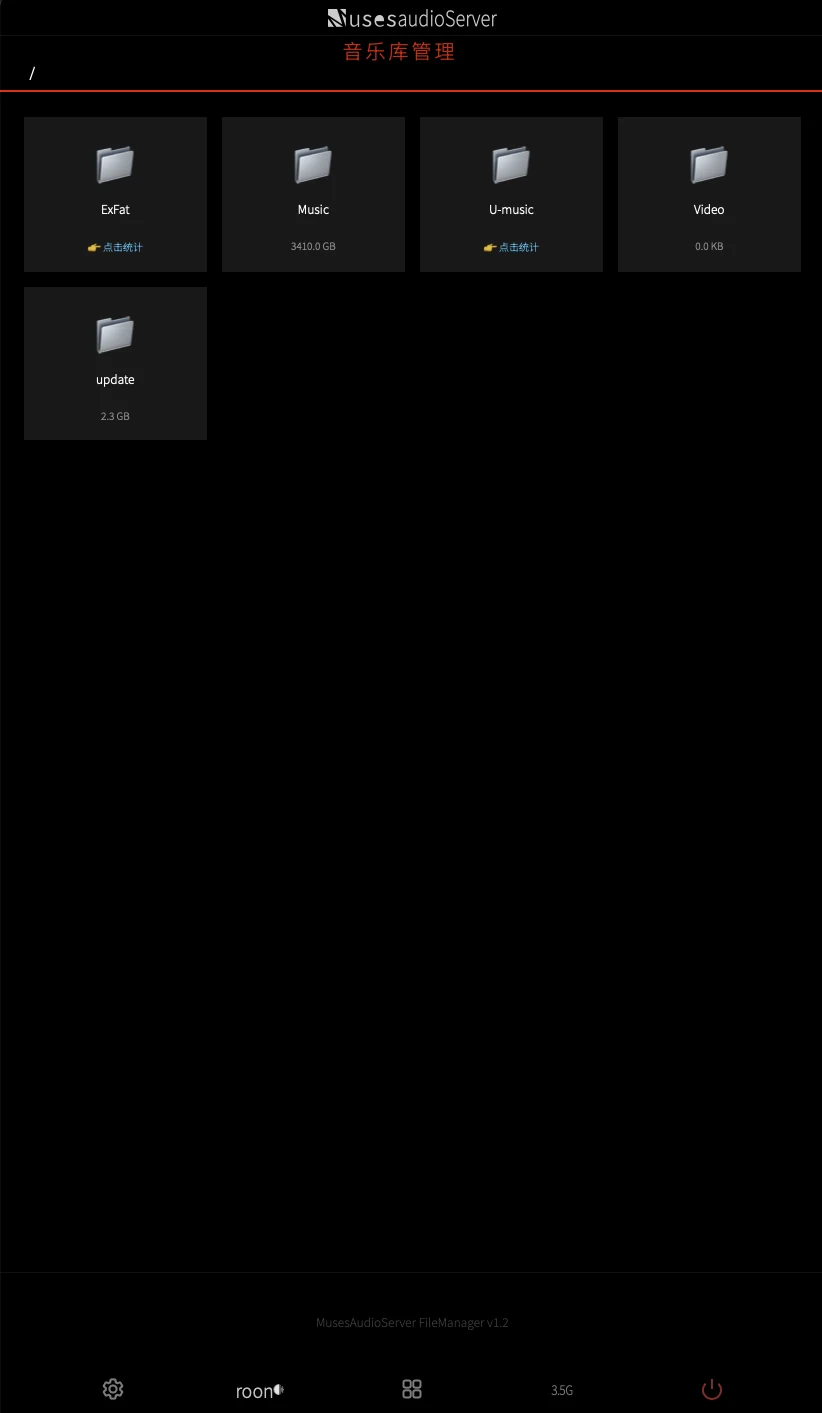
The live demo makes the system logic visible: start from MusesPlay, switch between the four modes, and try CD ripping, Bluetooth pairing, the music library, and MusesVideo remote control.
Every visitor gets an independent simulated device — no interference between visitors.
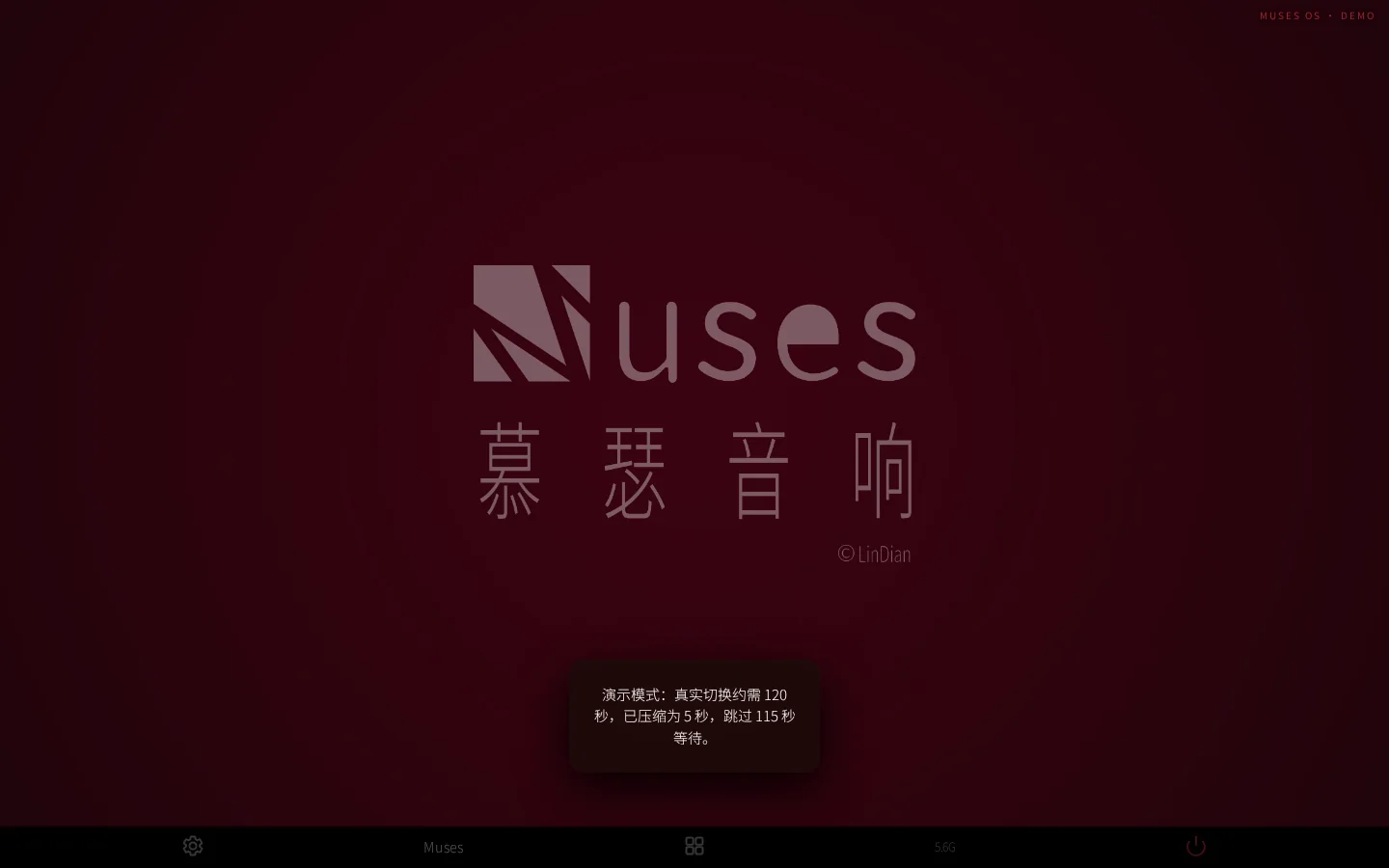
Switches are compressed to a uniform 5 seconds, with real wait and skip times shown.
All files, tasks, and states are simulated — no real device is touched.
The live demo demonstrates controls and system organization; it cannot replace judging sound quality with a real device connected to your audio system.
One system, four ways to listen.
No need to relearn controls for different sources. Click the current mode in the bottom bar to switch; once the service is ready, the panel opens the corresponding page automatically.
01 / MUSESPLAY
Your music, under your control.
MusesPlayer manages the music; MusesRender and other available outputs handle playback — together they showcase Muses OS's system adaptation and optimization.
Local library, network shares, and USB drives.
Streaming services such as Qobuz and TIDAL.
Output choices including browser, HQPlayer, UPnP, and MusesRender.
Built on optimized Kodi/LibreELEC, supporting Blu-ray images and common video formats, with optional online TV, video add-ons, and OpenList cloud drives.
MusesVideo playing a Blu-ray video · photographed on an Android phone
MUSESCAST
Where the sound comes from and where it goes — always clear.
AirPlay and Wi-Fi Cast — great sound, made convenient.
On the phone, tablet, or computer you use as the controller, keep using everyday apps like Apple Music, QQ Music, or NetEase Cloud Music — picking songs, casting, and playback all get easier. MusesCast is not a fifth operating mode you must switch into; it's an always-available connection capability.
Apple devices cast to MusesAirPlay via AirPlay.
Android, macOS, and Windows cast via Wi-Fi Cast.
Muses OS outputs to Bluetooth speakers or headphones.
Phones and tablets send audio to Muses OS over Bluetooth.
The library doesn't just store — it truly works for you.
File uploads, directory browsing, text and image previews, CUE editing, and background tasks all live in music library management. Right-click on a computer or long-press on a phone or tablet — the same features everywhere.
The target directory locks during drag-and-drop uploads, so nothing lands in the wrong place.
CD ripping results are kept together in /Music/CDripper.
APE and DSD track splitting — practical features developed for audiophiles.
Yes. Everyday operation happens in a browser or companion app — no Linux to learn, no background services to understand. Open the control panel, pick your music and output, and start.
Is switching between operating modes fast?
A mode switch needs to wait for the target service to become ready; the countdown is only an estimate. Wait for the panel to open the page automatically — don't send repeated commands. In the live demo, waits are compressed to a uniform 5 seconds for convenience.
Can the live demo tell me the final sound quality?
No. The demo verifies controls and system logic. Final playback performance must be judged with the real machine, output devices, DAC, and your own audio system.